Asciilands Controls & Keybinds
Updated
⟳ Synced from the official game files at (build c7ba7029d359)
Asciilands plays with keyboard and mouse. These are the default keys; movement keys can be changed in Settings (O) under Controls.
- Moving and looking
- Gathering, using and fighting
- Menus
- Building
- Magic and bows
- Chests, campfires and smelters
- Tutorial
Moving and looking
| Key | Action |
|---|---|
| W A S D | Walk forward, left, back, right |
| Space | Jump |
| Shift | Sprint (uses stamina; not possible when over your weight limit) |
| Click | Click the world to look around with the mouse |
| Alt | Hold to free the cursor |
| Scroll | Zoom in and out; also the [ and ] keys. At the closest view, zooming further makes the glyphs bigger |
| Z | Sit near a campfire or camp to rest and set your respawn point |
Gathering, using and fighting
| Key | Action |
|---|---|
| Left click | Gather from trees, rocks and fiber plants (hold to keep going); strike with a weapon |
| F | Use a nearby station, door or chest; harvest fiber; plant and harvest plots; offer food to an animal; buy a plot that is for sale |
| Right mouse | Hold with a melee weapon to guard against attacks from the front; hold with a bow to draw |
| 1 – 9 | Number keys pick equipment on your hotbar |
| Y | Pet your companion |
| R | Fishing: hold to choose cast distance, release to cast; press again on BITE to reel in |
| F | Panning: hold to wash, release in the green band |
Building
| Key | Action |
|---|---|
| B | Open Build and choose a piece |
| Left click | Place the piece where the preview is green |
| R | Rotate floors, roofs and stairs (walls turn to fit their edge) |
| Right mouse | Hold and drag to move the camera while building |
| X | Toggle Disassemble mode |
| G | Show town plot edges (green: for sale, purple: yours) |
| Esc | Finish building |
Magic and bows
| Key | Action |
|---|---|
| Left click | With a Glyph Wand equipped: cast the selected spell toward your aim |
| Right click | With a wand: switch to the next learned spell |
| Right mouse | With a bow: hold to draw (a full draw takes one second), release to shoot |
Chests, campfires and smelters
| Key | Action |
|---|---|
| Left click | Pick up or put down a stack |
| Right click | Pick up half a stack, or put down one item |
| Shift Left click | Move a whole stack |
| Esc | Cancel |
Tutorial
| Key | Action |
|---|---|
| V | Skip the current tutorial step |
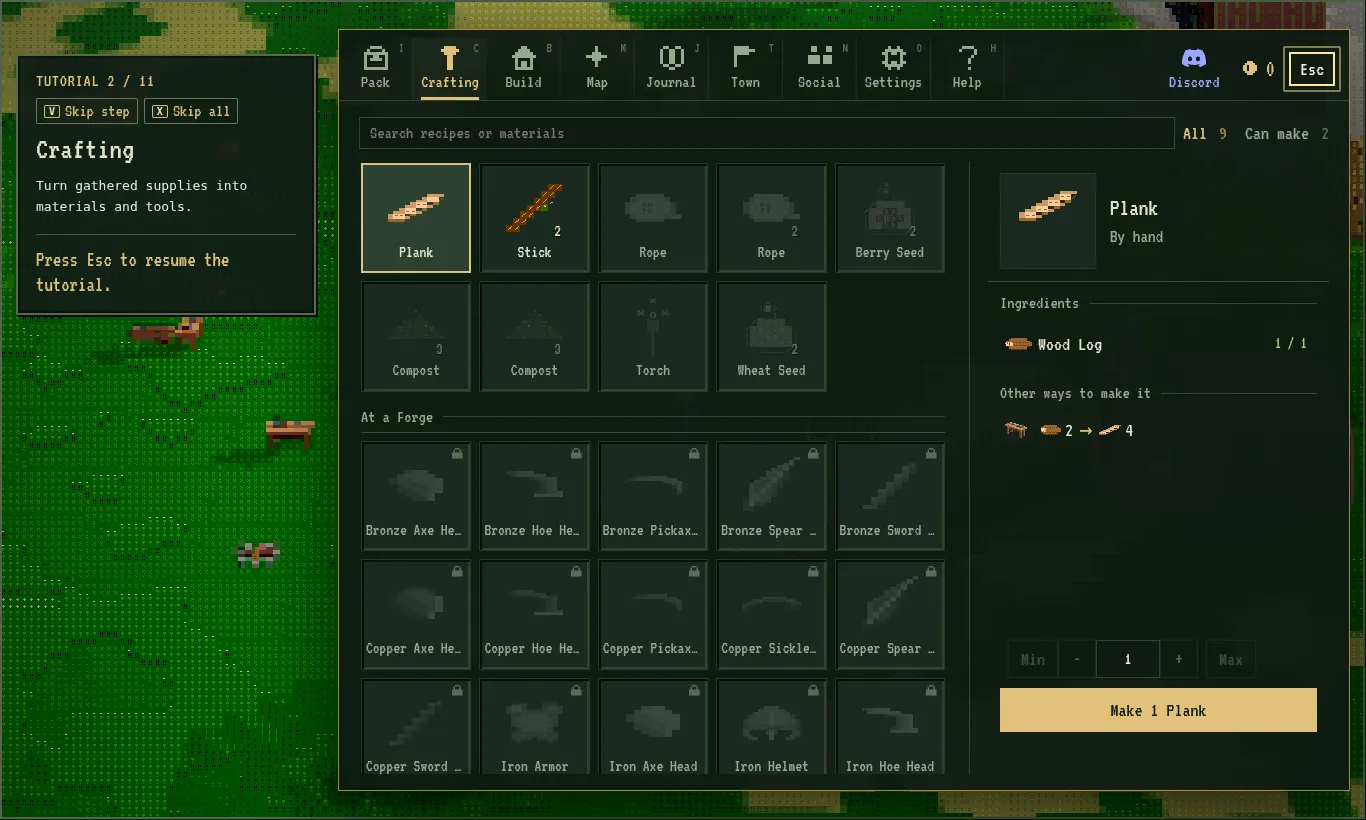
| X | Skip the whole tutorial (you can replay it from Help) |
Tips
- Lost the cursor in the game? Hold Alt or press Esc to get it back.
- Low stamina slows your swings but never stops harvesting. Walk or stand still to recover; food and resting at a fire recover it faster.
- Playing on our home page and the mouse keeps escaping? Use Full screen or play on asciilands.io directly.
New to the game? The beginner guide walks through your first tools.
More Asciilands guides
Beginner guideTutorial, first tools, survivalCrafting recipesEvery recipe by stationSmithing & metalsOres, ingots, forging, tool tiersMagic & spells12 spells, inscriptions, manaBuilding housesPieces, costs, storeys, decayTowns & plotsTown Hall, plots, upkeepMap, regions & materialsWhere each material isFarming & cookingCrops, compost, dish buffsFishing & panningRod, casting, tin panningCompanionsTaming, talents, saddlebags
Sources
- Asciilands in-game Field guide (Help menu, H); numbers on this page re-read from it automatically on every game update
- asciilands.io/play: the game client
- Our own guest session on the North America server, Oct 22, 2026
Spotted something out of date? Email lliu07113@gmail.com and we will re-check it in the game.